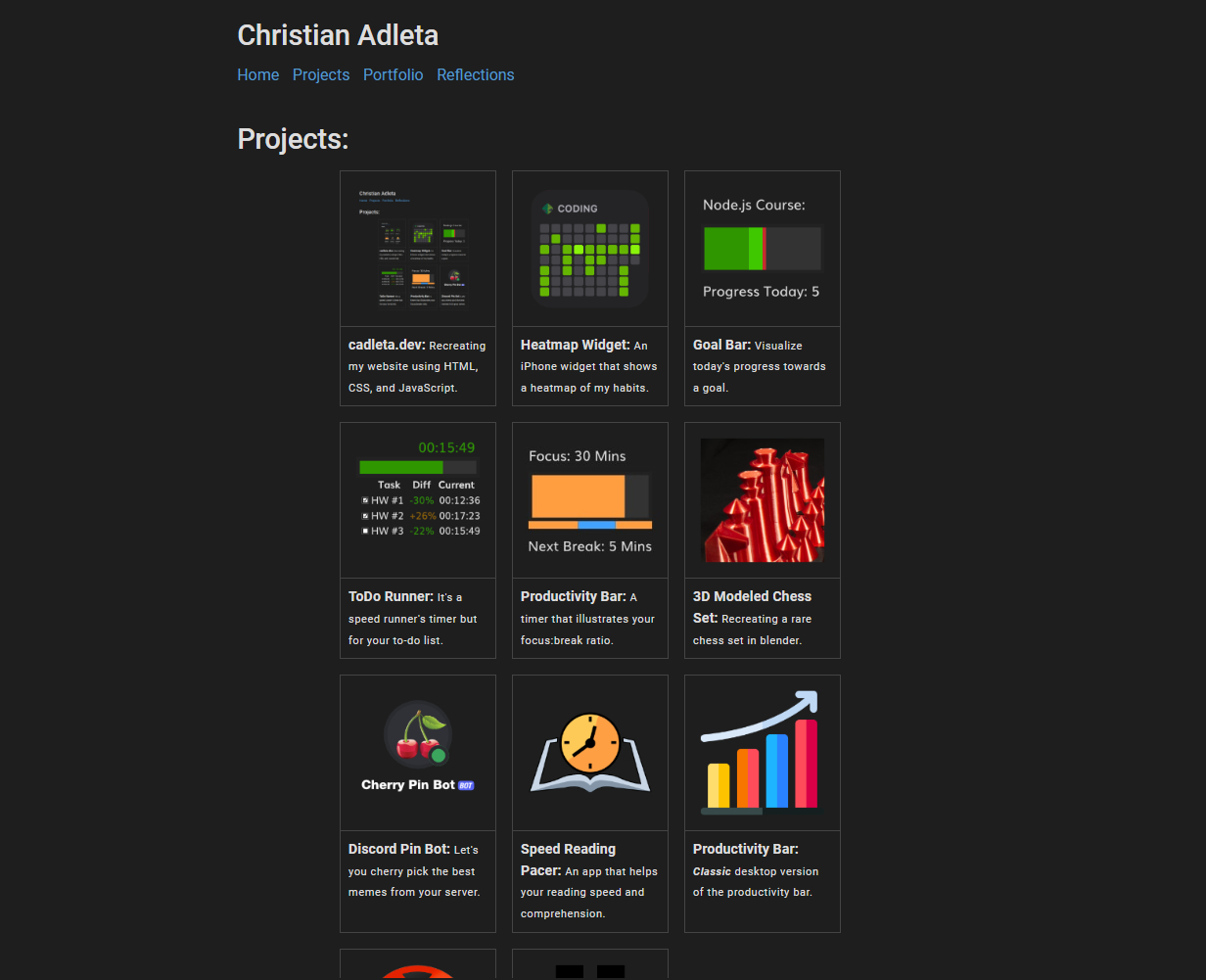
What It Does
- Showcase 11 detailed projects with video demos and interactive galleries
- Host 46+ blog posts covering productivity, learning systems, and philosophy
- Document monthly life reflections with photos and highlights since June 2023
- Promote 2 published books with dedicated showcase pages
- Provide clean, professional URLs through client-side JavaScript rewriting
- Archive YouTube journey (461K+ views across channels) and podcast history
- Serve as a professional resume and portfolio for career opportunities
- Demonstrate hands-on web development skills through clean, readable code
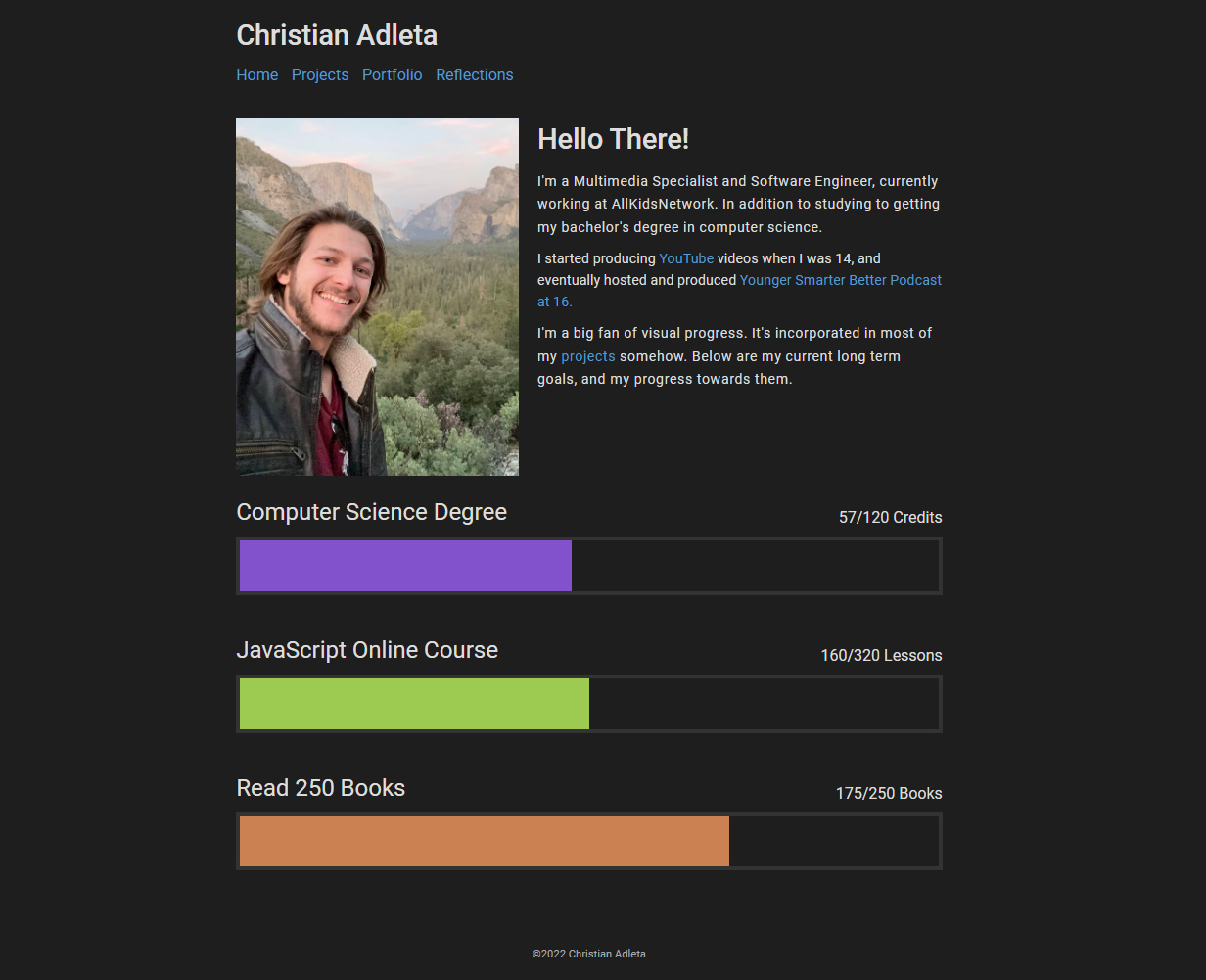 The home page features a clean, minimalist design inspired by VS Code's color scheme.
Why I Built This
After years of using Google Sites to host my personal website, I faced a credibility gap: how can you claim to be a software engineer while relying on drag-and-drop templates? The existing site worked functionally but felt inauthentic and limited my creative control over design, URL structure, and interactive features.
I wanted to create a "personal digital museum"—a curated space to showcase projects spanning productivity tools, 3D modeling, Discord bots, YouTube channels, and published books. The site needed to balance professional polish for job hunting with personality through monthly reflections, photography, and life updates, all while demonstrating hands-on coding skills through clean, readable implementation.
Before building, I completed roughly 200 hours of web development coursework to ensure solid fundamentals in HTML, CSS, and JavaScript. I was ready to prove I could build something real from scratch.
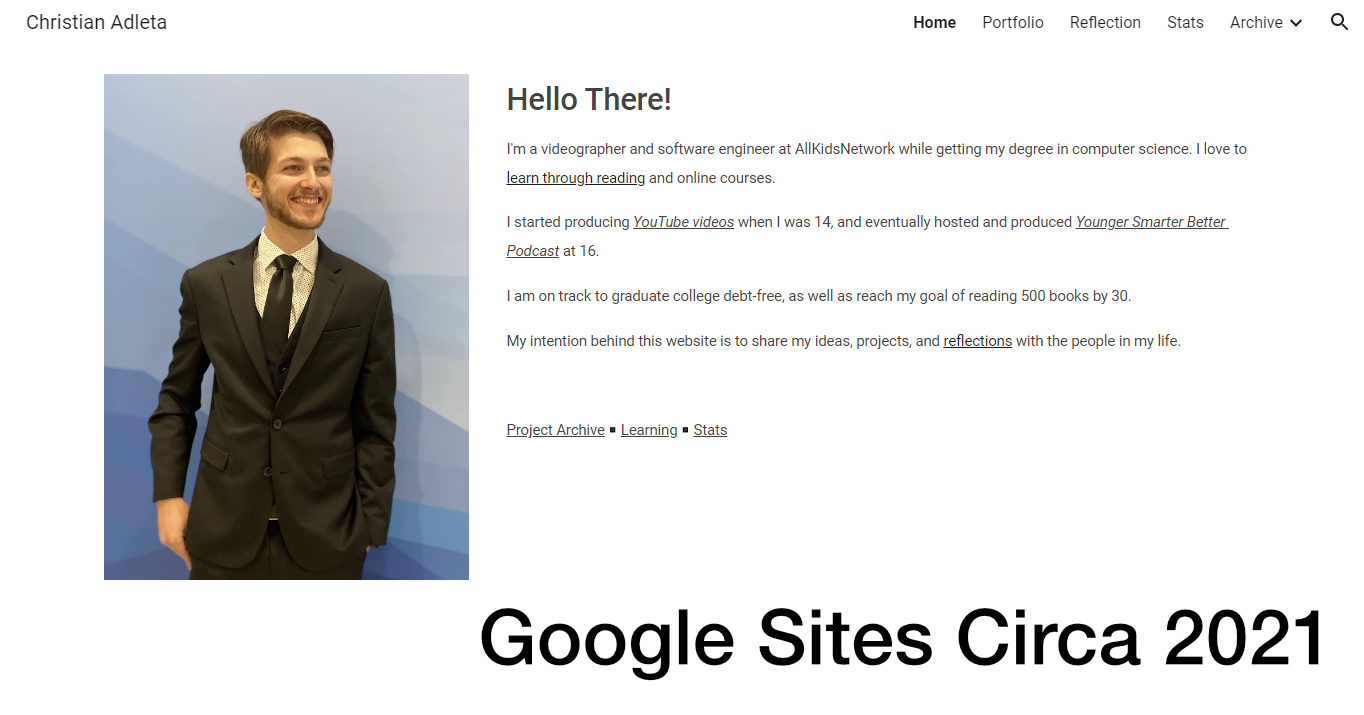 My previous Google Sites website—functional but limited and not truly mine.
How It Works
The site is built entirely from scratch using vanilla HTML5, CSS3, and JavaScript—no frameworks, no CMS, just clean code and Python automation scripts. I deliberately avoided React, Vue, and other frameworks to demonstrate fundamental web skills and keep the site lightning-fast with no build step for front-end code.
Design inspiration came from multiple sources: VS Code's color scheme for visual consistency, Herman Martinus's Bearblog for minimalist layout, Bryan Braun's projects page for card-based galleries, and Schiit's product pages for interactive image carousels. I used CSS custom properties extensively for theming, allowing consistent design language through variables like --text-color and --space5.
For content management, I created Python scripts that automate repetitive tasks: generate_map.py builds the sitemap, update_blog_list.py maintains the blog index, and new_post.py scaffolds new post templates. This hybrid approach combines static file simplicity with scriptable content management.
One interesting technical decision was implementing client-side URL rewriting. Instead of server-side rewrites, I created prettyUrl.js that runs on page load to dynamically remove .html extensions from links in production. This allows the site to work identically on localhost during development without any configuration changes.
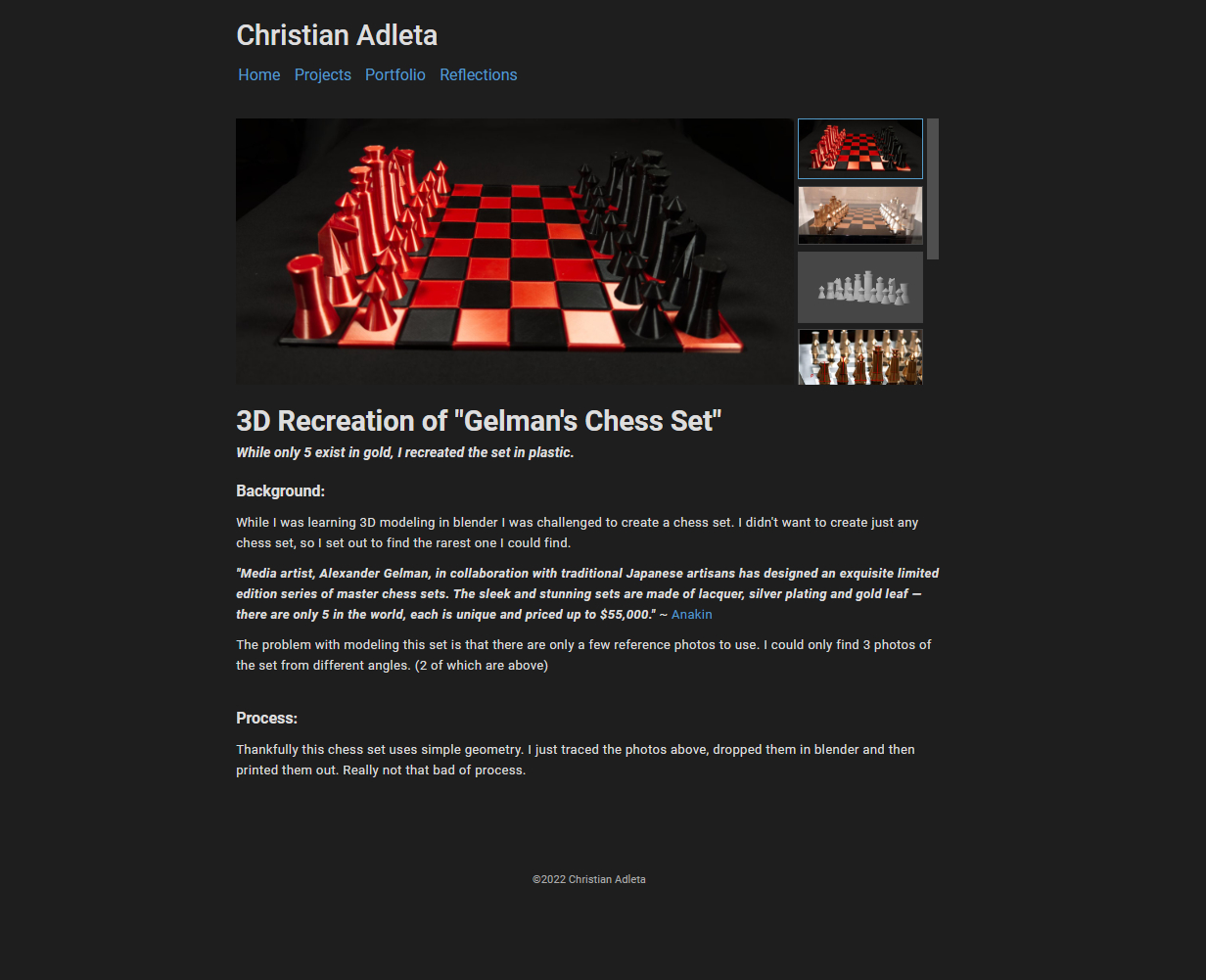 Each project gets a detailed showcase page with galleries and technical documentation.
Impact
By the numbers:
- 374 commits documenting 2.5 years of continuous improvement
- 11 detailed project pages with video demos and write-ups
- 46+ blog posts covering diverse topics
- 2 published books documented and promoted
- Monthly reflection updates maintained since June 2023
- 200+ hours of pre-learning invested before starting development
What changed:
- Transformed from "student using templates" to "developer who can build from scratch"—critical for job applications
- Created a cohesive digital identity blending technical skills (projects), thought leadership (writing), and authenticity (reflections)
- Centralized platform for promoting books, linking to professional work, and showcasing diverse skills
- The site itself serves as a learning record, documenting growth from first Google Sites page through YouTube channels, podcast, and professional development
- Gained complete creative control over every aspect of design and functionality
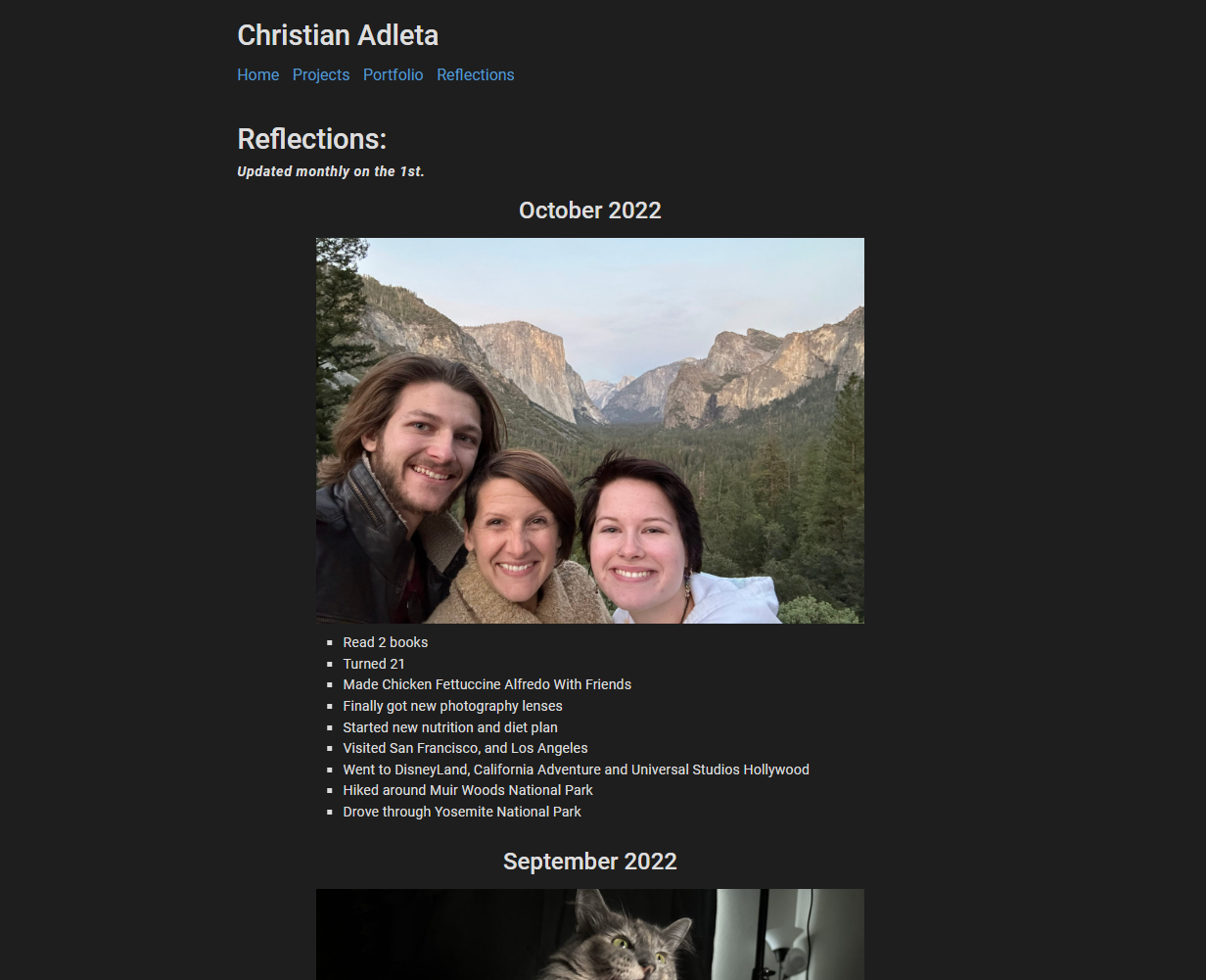 Monthly reflections create a visual life timeline—one of my favorite parts of the site.
Challenges & Solutions
The biggest challenge was migrating 11+ project descriptions from my old Google Sites while improving presentation quality. I solved this by creating a standardized project template with galleries and writing a Python scaffolding script for consistency. Rather than copying everything, I manually curated the best content—sometimes less is more.
Another challenge was maintaining clean URLs without server-side rewrites on static hosting. My solution was implementing client-side JavaScript that detects the production environment and dynamically rewrites all internal links to remove .html extensions. It's unconventional but works perfectly for my needs.
I also struggled with avoiding "content bloat" from years of accumulated projects and writing. I made a conscious decision to exclude spreadsheets, old blog posts, 3D design files, and stats pages—focusing on curated "best work" rather than a comprehensive archive. This created a stronger portfolio than trying to show everything.
Balancing professional polish for job hunting with personal authenticity was another consideration. I separated concerns into distinct pages—formal resume and projects versus casual reflections—allowing visitors to choose their lens for viewing my work and life.
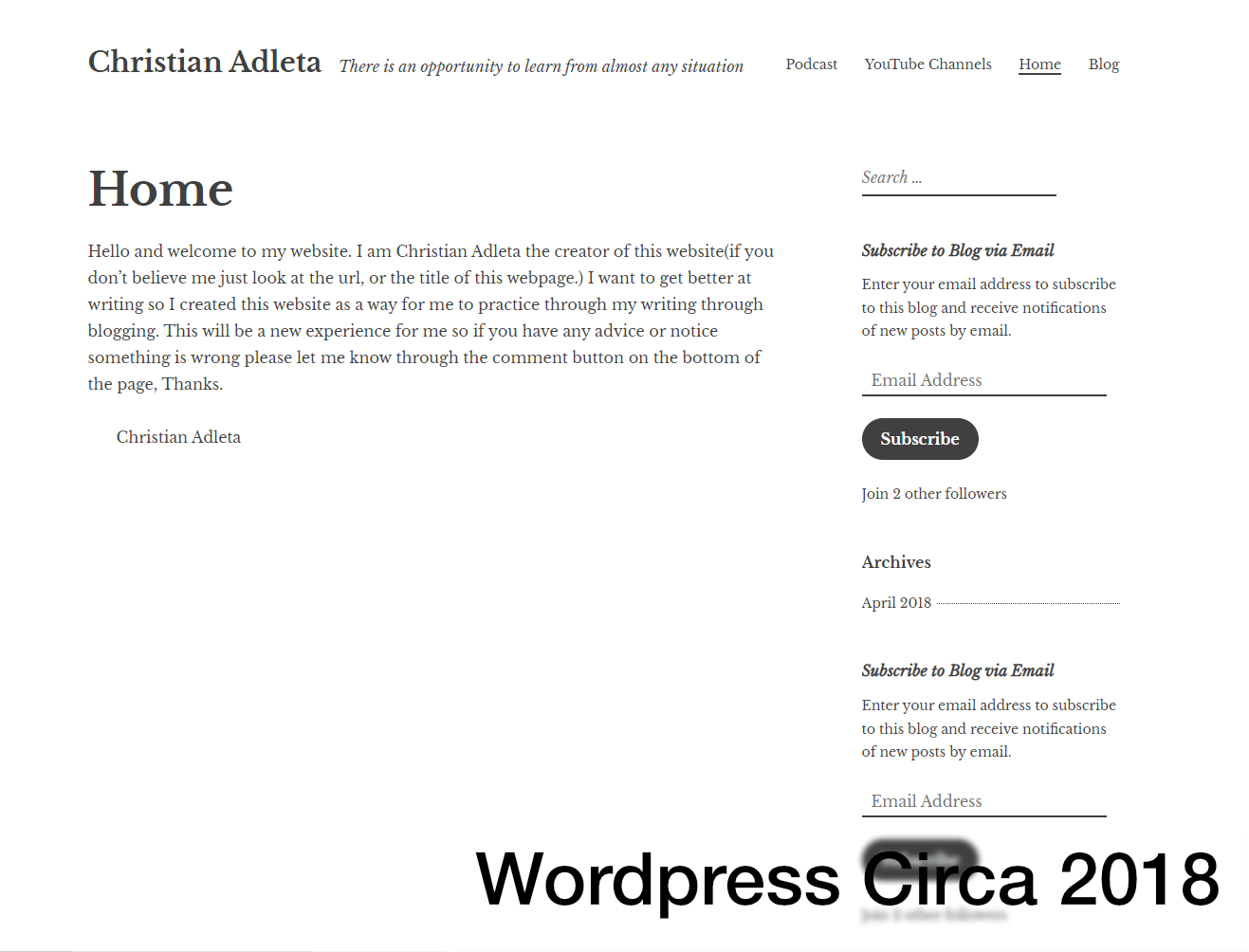 An earlier iteration—this is "Site 4" because each version taught me something new.
What I Learned
I learned that vanilla JavaScript is seriously underrated. Building without frameworks forced deep understanding of DOM manipulation, event handling, and browser APIs. The resulting site loads instantly and requires zero build tooling for front-end changes. Sometimes the simplest approach is the best.
Curation beats comprehensiveness. The deliberate choice to showcase "better work" rather than "everything I've ever done" created a stronger portfolio. Each project page requires meaningful documentation, so quality over quantity made sense.
Iteration is the real skill. This is "Site 4" because each version taught something new. The willingness to rebuild rather than endlessly patch enabled dramatic quality jumps and aligned the site with my evolving skills and goals.
Content strategy matters as much as code. The combination of projects (demonstrates technical skills), writing (shows communication ability), and reflections (reveals personality and values) creates a holistic professional narrative that pure code portfolios miss.
Future improvements:
- Add full-text search for 46+ blog posts using a client-side library like Lunr.js
- Implement CI/CD pipeline to auto-run Python scripts on content commits
- Create a CMS-like interface (possibly Netlify CMS) to edit content without touching code
- Add analytics to understand which projects and posts resonate most with visitors
- Publish the 20+ backlog projects currently documented in comments
- Add RSS feed for blog posts to support readers
Links
- Live Site: christianadleta.com
- Code: Private repository (part of personal portfolio)
- Related: All 11 projects are documented on the Projects page